Contact
The Contact menu is used to manage the company contact information displayed on the Contact Us page of the landing page. This menu consists of three sub-menus: Contact Info, Guest Message, and Social Media.
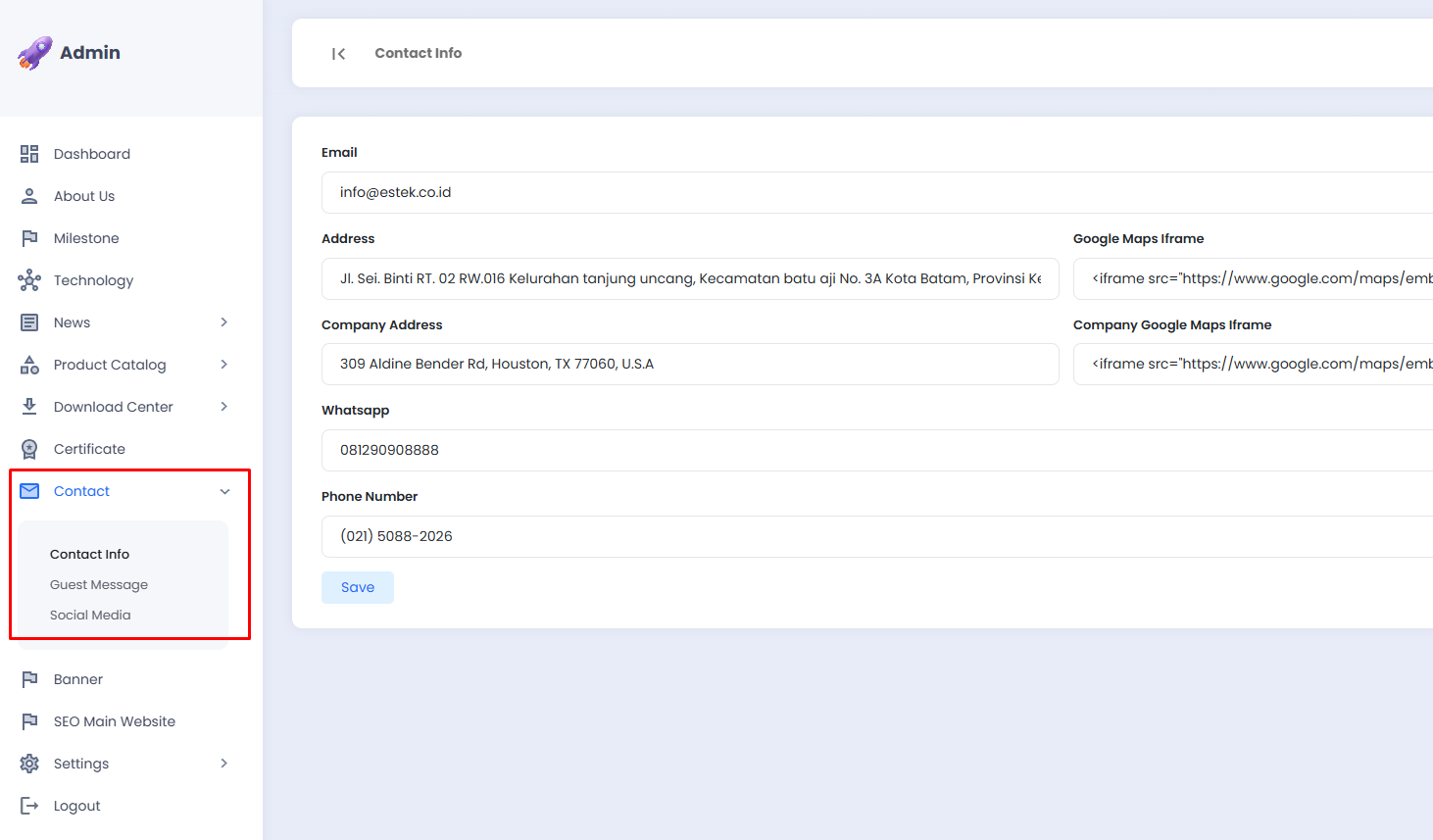
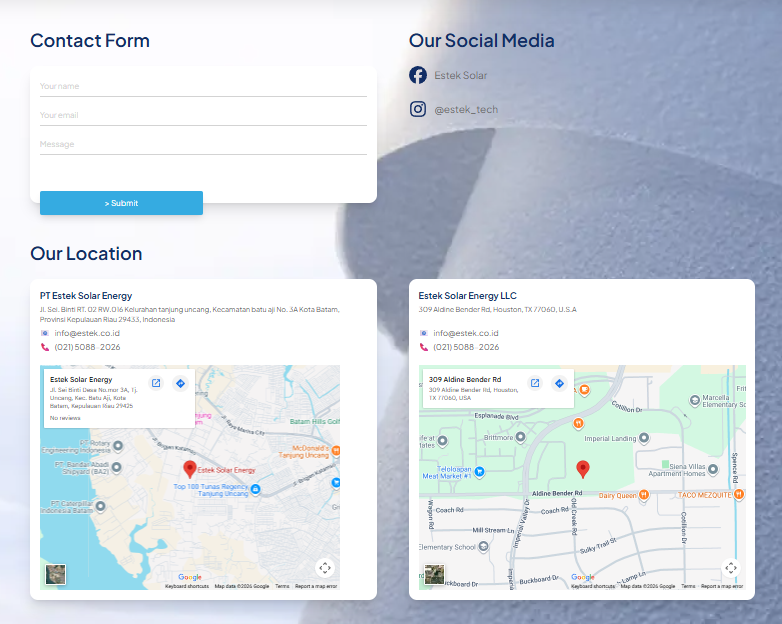
The following is the Contact Us page as displayed on the landing page:
Contact Info
The Contact Info sub-menu is used to update the company contact information, such as the address, phone number, and map location displayed on the Contact Us page of the landing page.
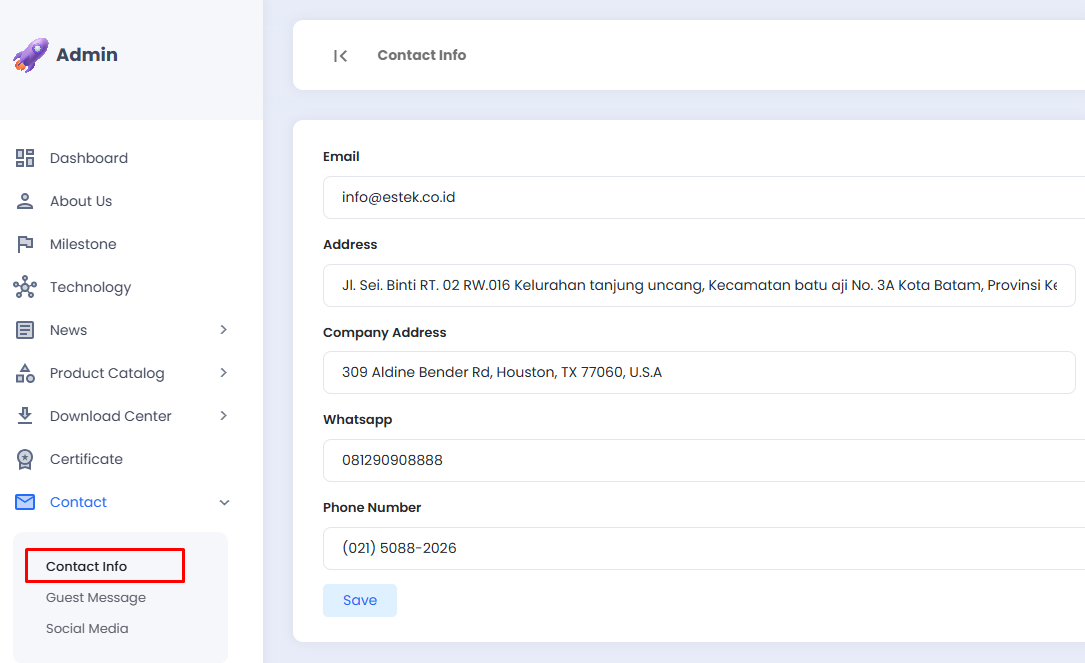
📋 Contact Info Fields
The Contact Info page displays all contact information in a single form that can be updated directly. The following fields are available:
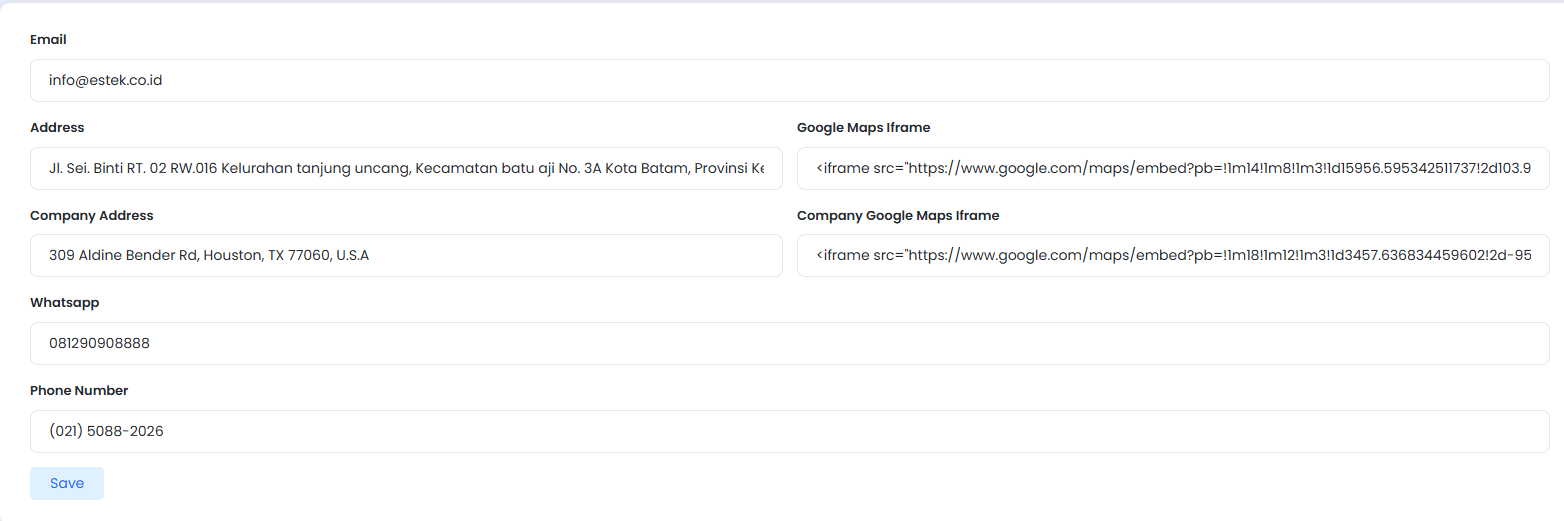
| Field | Description |
|---|---|
| The company's email address | |
| Address | The company's main office address |
| Google Maps Iframe | The Google Maps embed code for the main office location |
| Company Address | The company's secondary office address |
| Company Google Maps Iframe | The Google Maps embed code for the secondary office location |
| The company's WhatsApp number | |
| Phone Number | The company's phone number |
✏️ Updating Contact Info
- Fill in or update the fields you wish to modify with the latest company information.
- Ensure that the Google Maps Iframe code is obtained directly from Google Maps using the Share > Embed a map feature.
- Click the Save button to save the changes.
tip
Always keep all contact information up to date so that visitors can easily reach the company and obtain accurate map locations.