Milestone
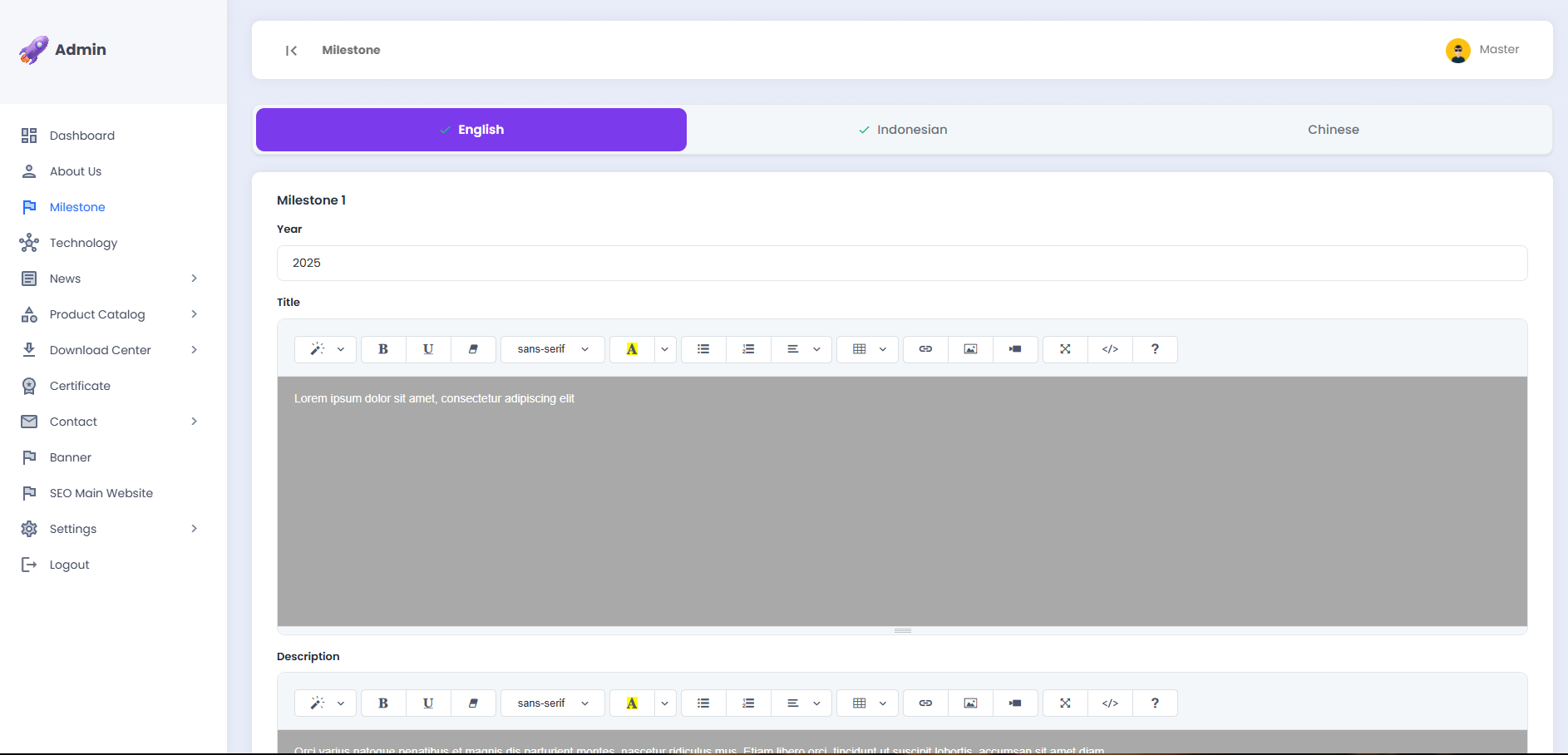
This page is used to manage the company achievements displayed in the Milestones section of the landing page. There are 4 Milestone sections, each of which can be filled with the year, title, and description of the achievement.
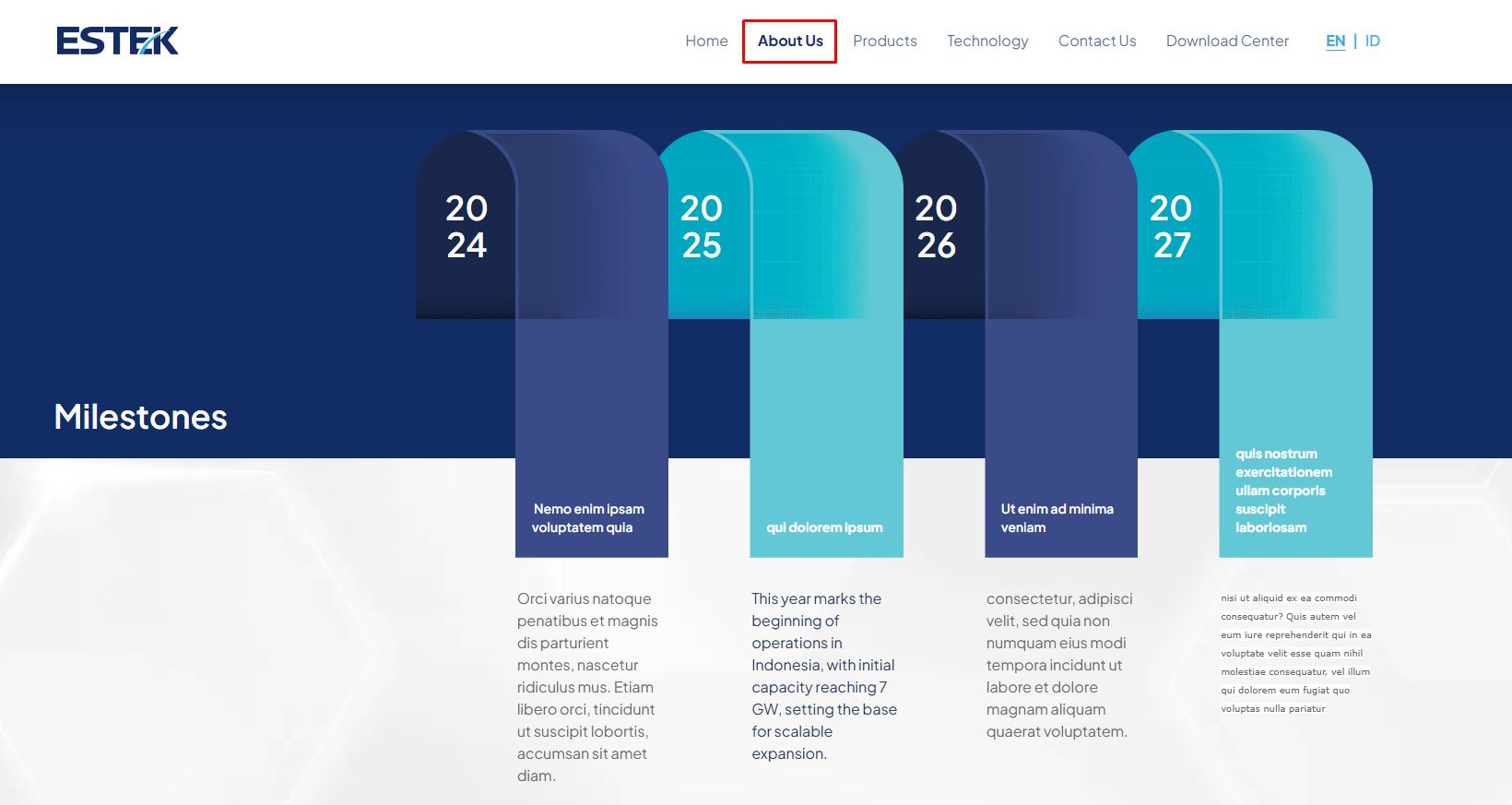
The following is the Milestone section as displayed on the landing page under the About Us menu:
🌐 Selecting a Language
The Milestone content can be configured in multiple languages. Click the desired language tab to adjust the content accordingly.
- English, content in the English language
- Indonesian, content in the Indonesian language
- Chinese, content in the Mandarin language

Please ensure that you fill in the content for every available language to maintain a consistent display across all language versions of the landing page.
🏆 Filling in the Milestone Content
Each Milestone section (Milestone 1 through Milestone 4) contains three fields that need to be completed: Year, Title, and Description.
A. Year
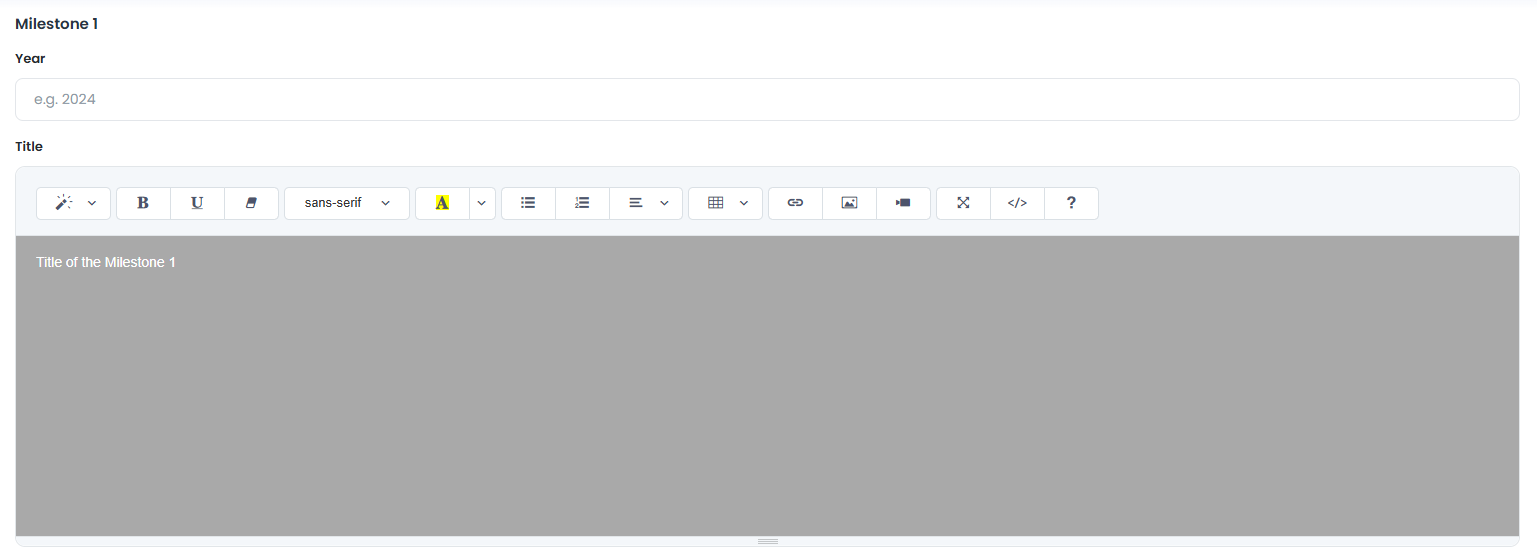
Enter the year of the achievement in the Year field.
| Field | Description |
|---|---|
| Year | The year of the milestone achievement, e.g. 2025 |
Use the 4-digit year format, for example 2024, 2025, 2026, and so on.
B. Title
Enter a brief title describing the achievement in the Title field. Use the editor toolbar to format the text as needed.
| Field | Description |
|---|---|
| Title | A brief title of the milestone achievement displayed on the landing page |
C. Description
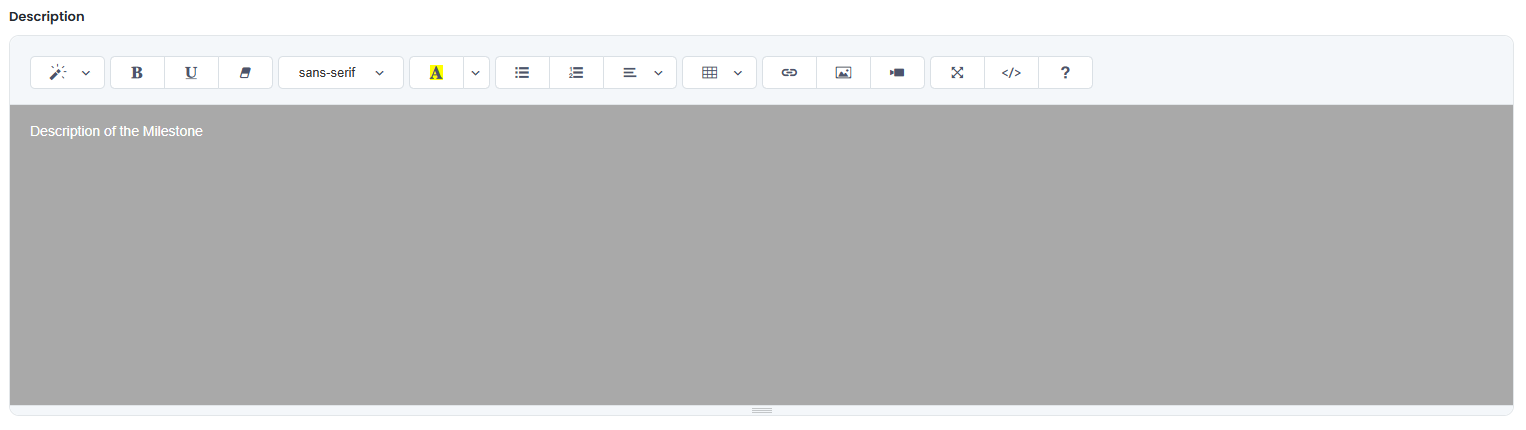
Enter a more detailed explanation of the achievement in the Description field.
| Field | Description |
|---|---|
| Description | A detailed description of the milestone achievement displayed below the title on the landing page |
Write an informative and concise description to ensure it is easy to read for landing page visitors.
💾 Saving Changes
Once all Milestone content (Milestone 1 through Milestone 4) has been completed or updated, click the Save button at the bottom of the page to apply all changes.

The Save button applies to all changes made across all active language tabs.