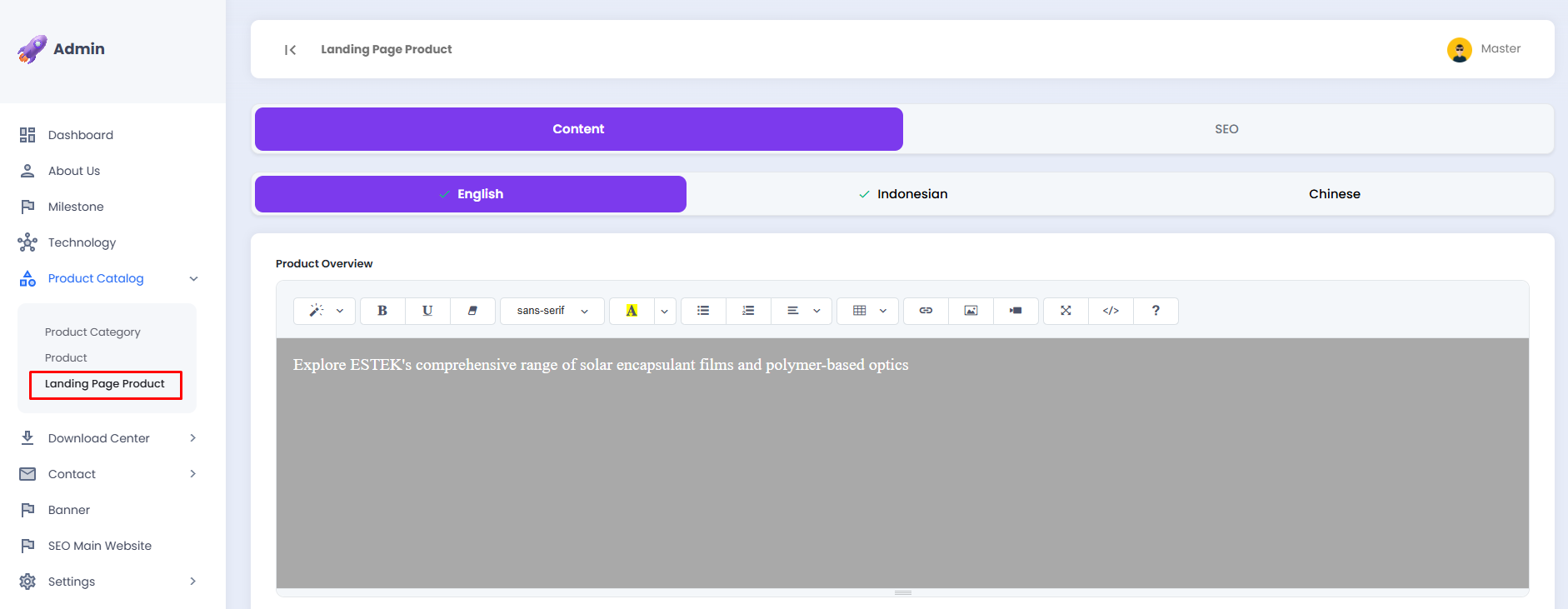
Landing Page Product
The Landing Page Product sub-menu is used to manage the content displayed on the Products page of the landing page, including the product overview description and product benefits. The content can be customized for each available language.
📄 Content Tab
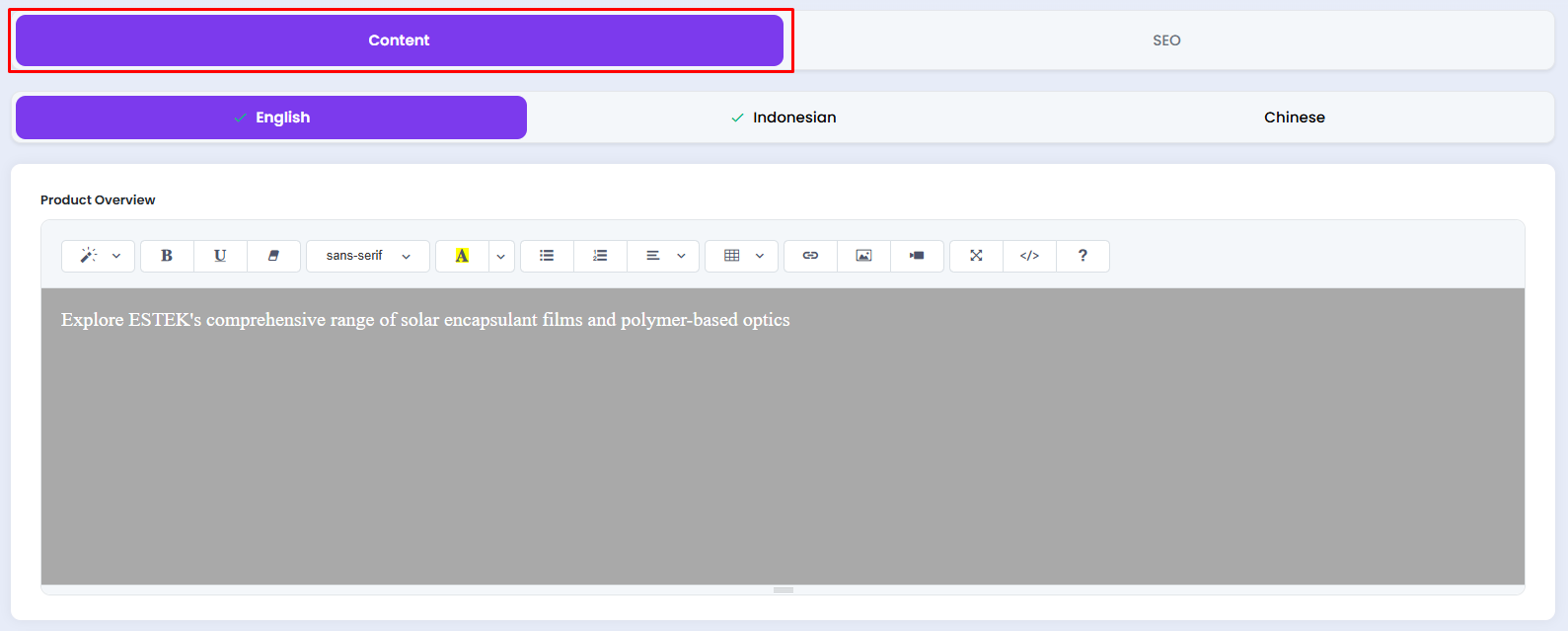
Click the Content tab to begin managing the product landing page content. The content can be customized for each available language.
A. Selecting a Language
Click the desired language tab to adjust the content accordingly.
- English, content in the English language
- Indonesian, content in the Indonesian language
- Chinese, content in the Mandarin language

Please ensure that you fill in the content for every available language to maintain a consistent display across all language versions of the landing page.
📦 Product Overview
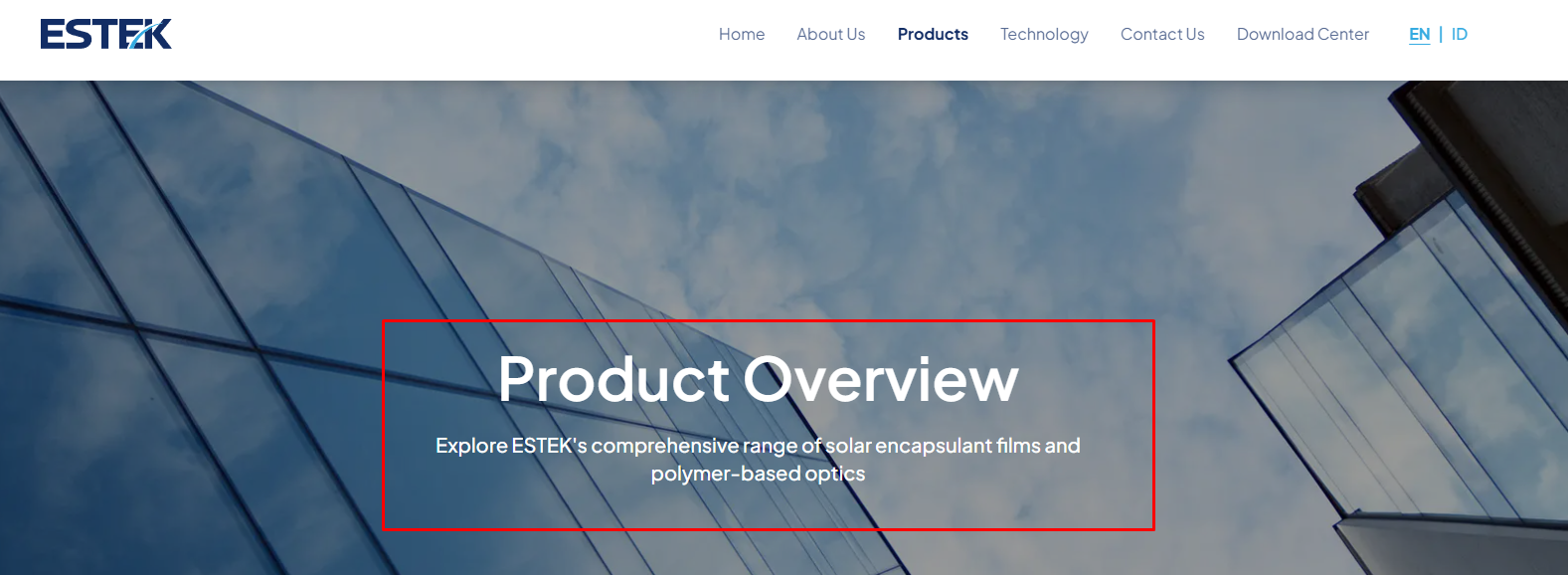
This section is used to enter the brief description displayed in the hero section of the Products page on the landing page.
- Click the text area in the Product Overview field.
- Write or update the description text as needed.
- Use the editor toolbar to format the text.
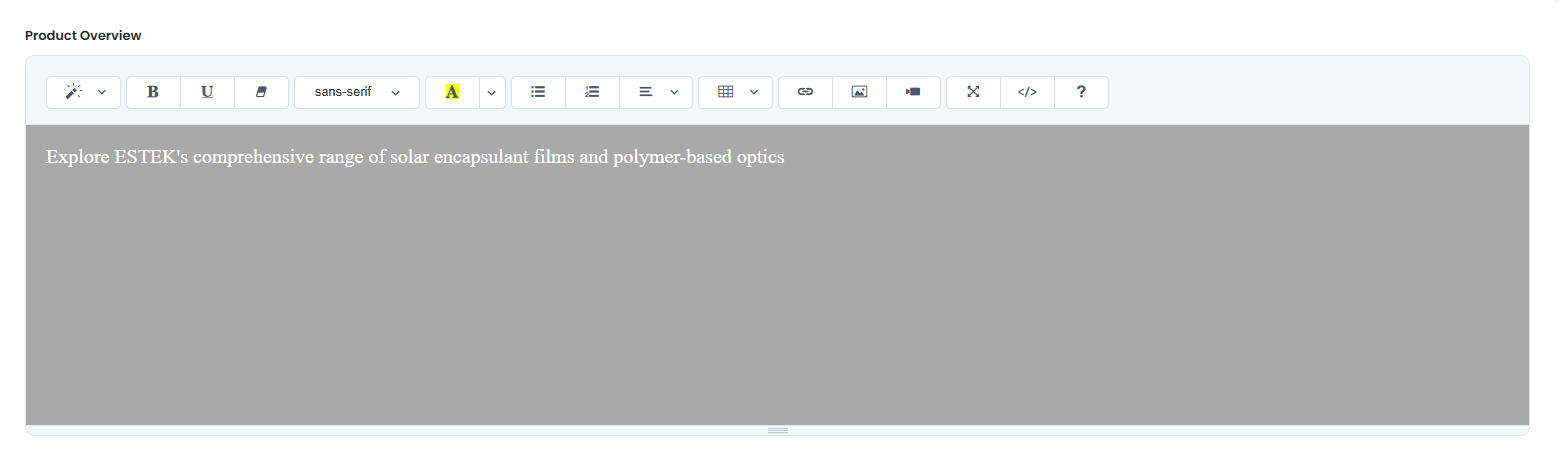
The following is the Product Overview as displayed on the landing page:
✅ Product Benefit
This section is used to enter the product advantages or benefits displayed on the landing page. You may enter a title and a list of benefit points using the text editor.
- Click the text area in the Product Benefit field.
- Write the title and product benefit points as needed.
- Use the editor toolbar to format the text, such as creating bullet lists, changing text colors, and other formatting options.
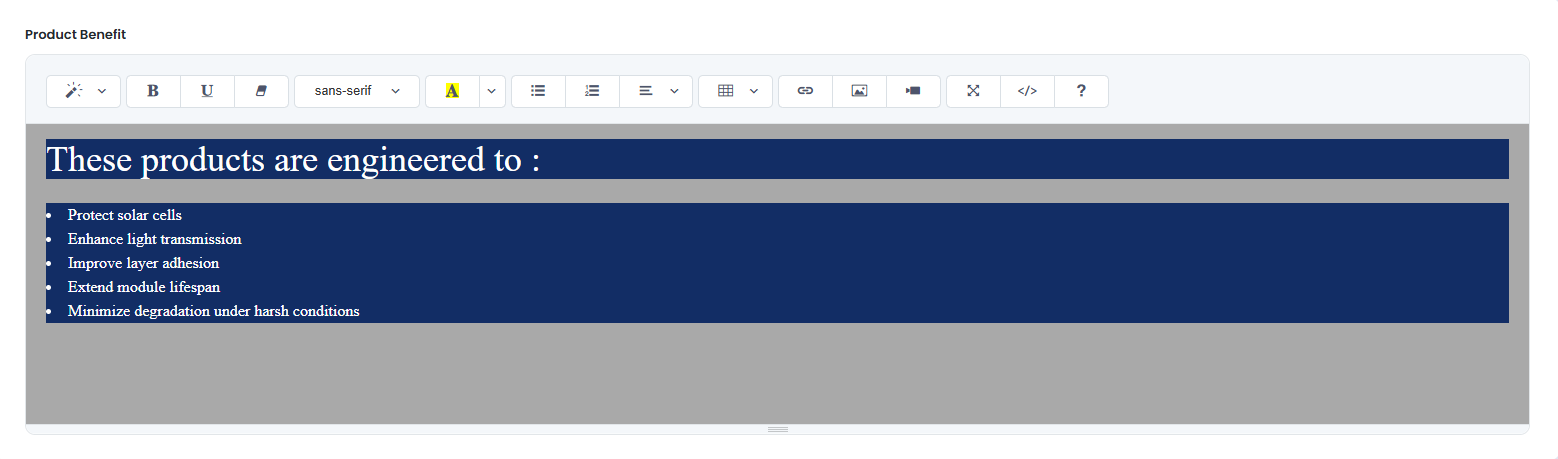
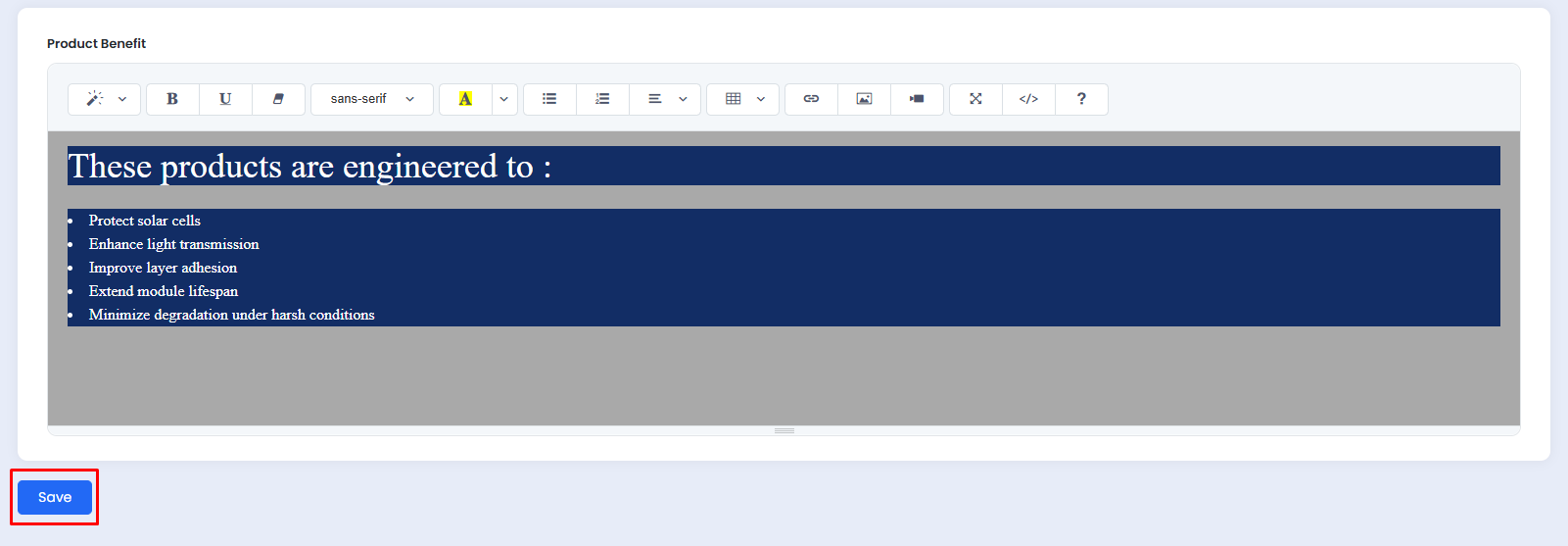
The following is the Product Benefit section as displayed on the landing page:
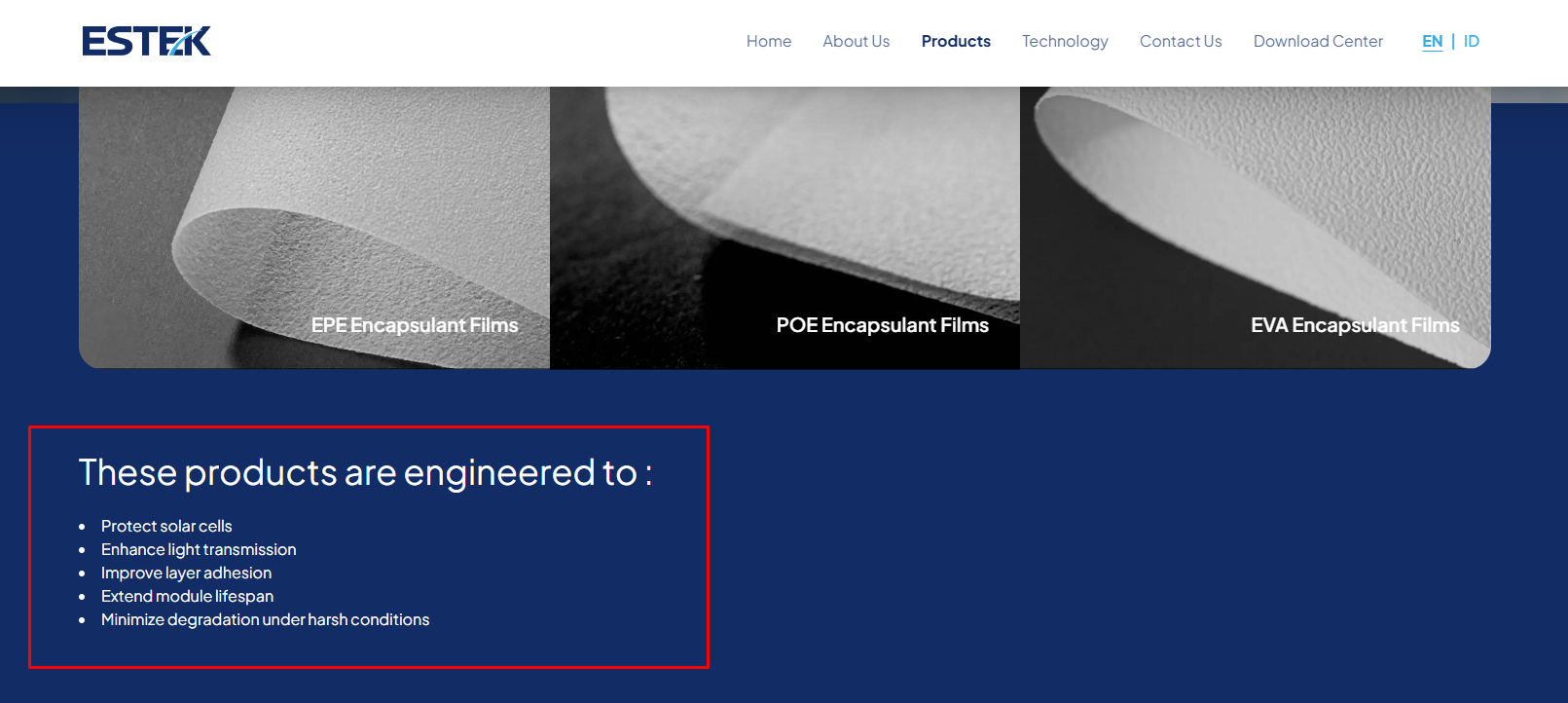
Use the bullet list feature in the editor toolbar to present the product benefits in a structured format that is easy for visitors to read.
💾 Saving Changes
Once all content modifications are complete, click the Save button at the bottom of the page to apply all changes.