SEO Main Website
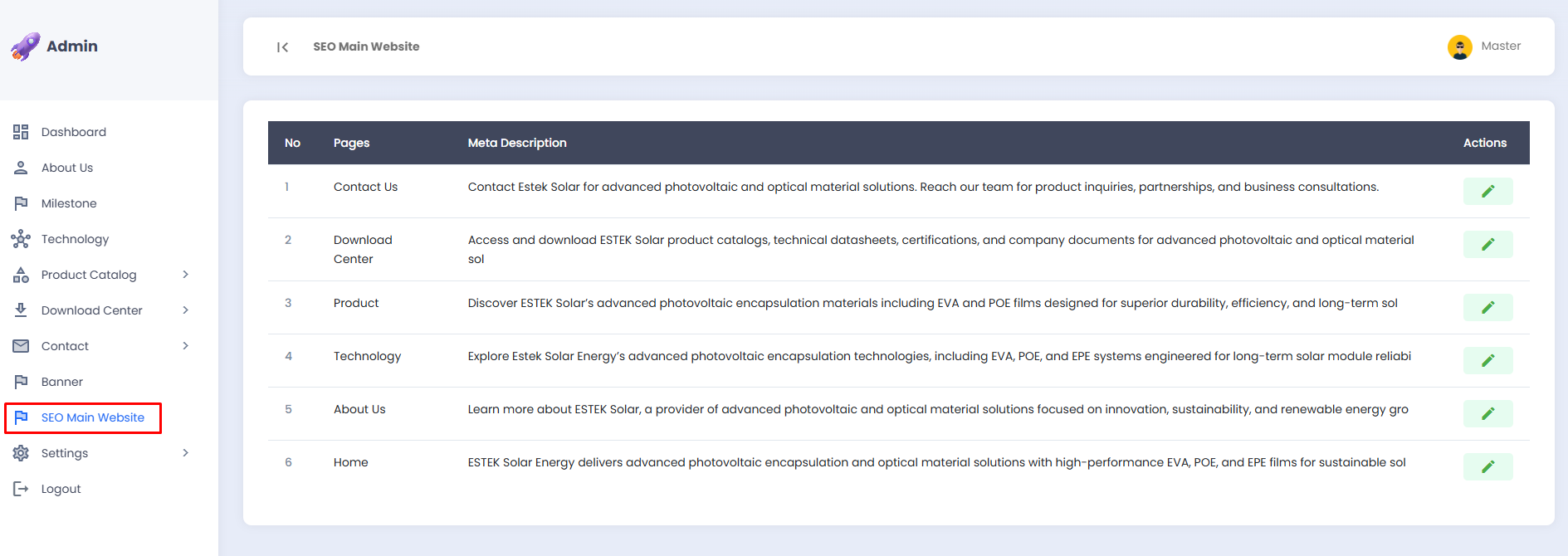
The SEO Main Website menu allows you to manage the SEO settings for all landing page sections in one place, without the need to access the SEO settings of each page individually.
📋 SEO Page List
The SEO settings list is displayed in a table with the following information:
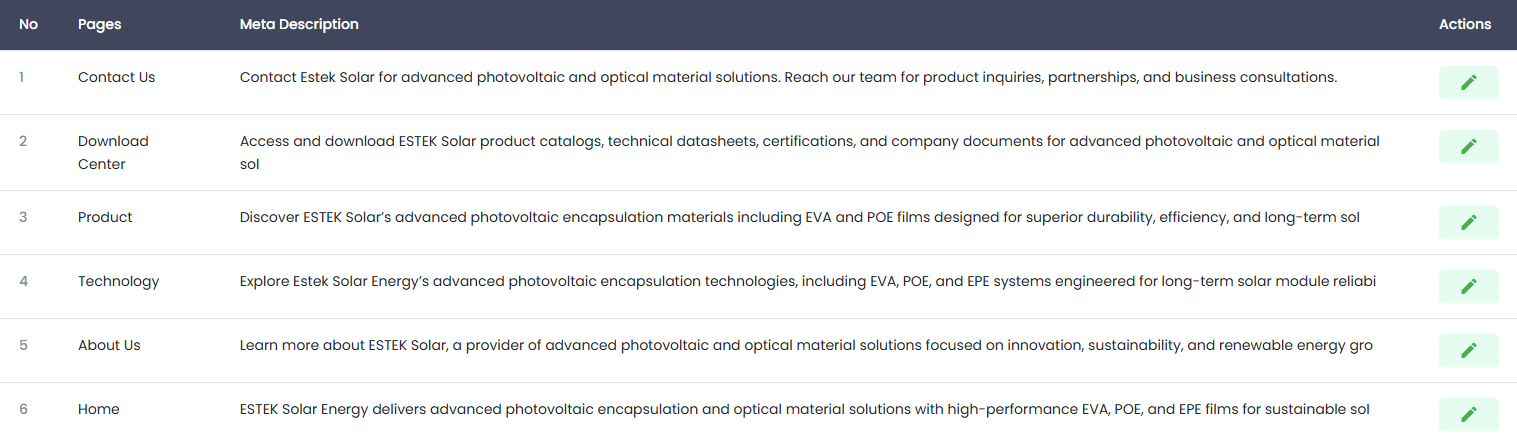
| Column | Description |
|---|---|
| No | Sequential number of the page |
| Pages | The name of the landing page whose SEO is being managed |
| Meta Description | A brief page description displayed in search engine results |
| Actions | Button to edit the SEO settings of the respective page |
The pages whose SEO can be managed include Home, About Us, Product, Technology, Contact Us, and Download Center.
✏️ Editing Page SEO
- Click the ✏️ edit icon (green) in the Actions column of the page row whose SEO settings you wish to update.
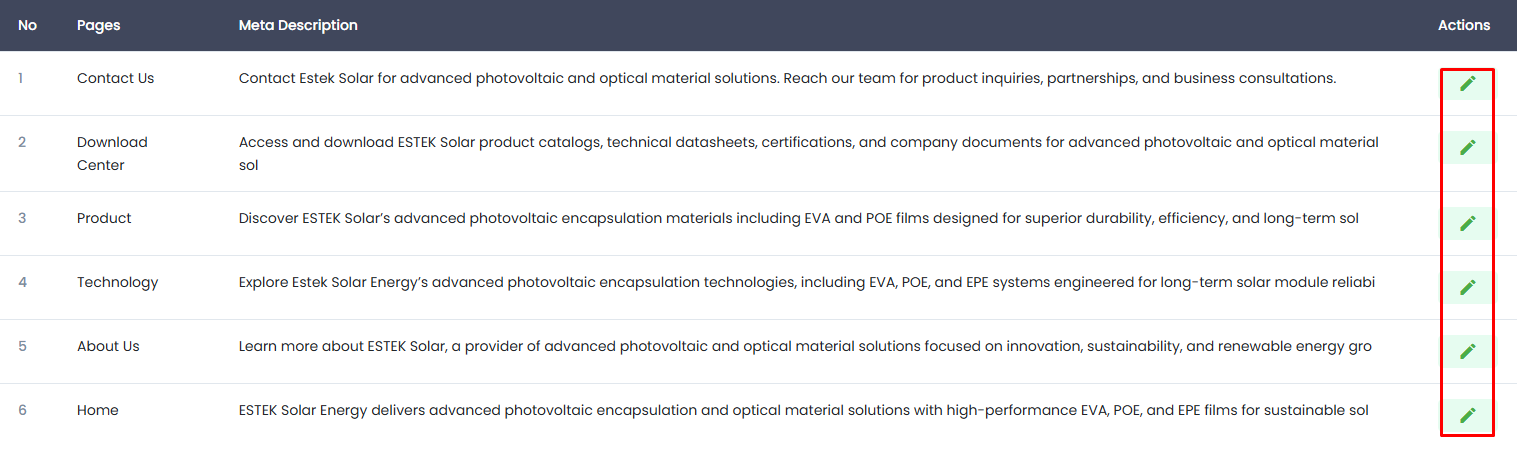
- You will be directed to the SEO edit page for the selected page.
- Update the SEO data in accordance with the content of that page.
- Click the Save button to save the changes.
tip
Write a Meta Description that is concise, relevant, and contains the primary keyword. The ideal length for a Meta Description is 150 to 160 characters to ensure it displays correctly in Google search results.
note
Changes to SEO data may take some time before they are reflected in search engine results, depending on Google's crawling schedule.